
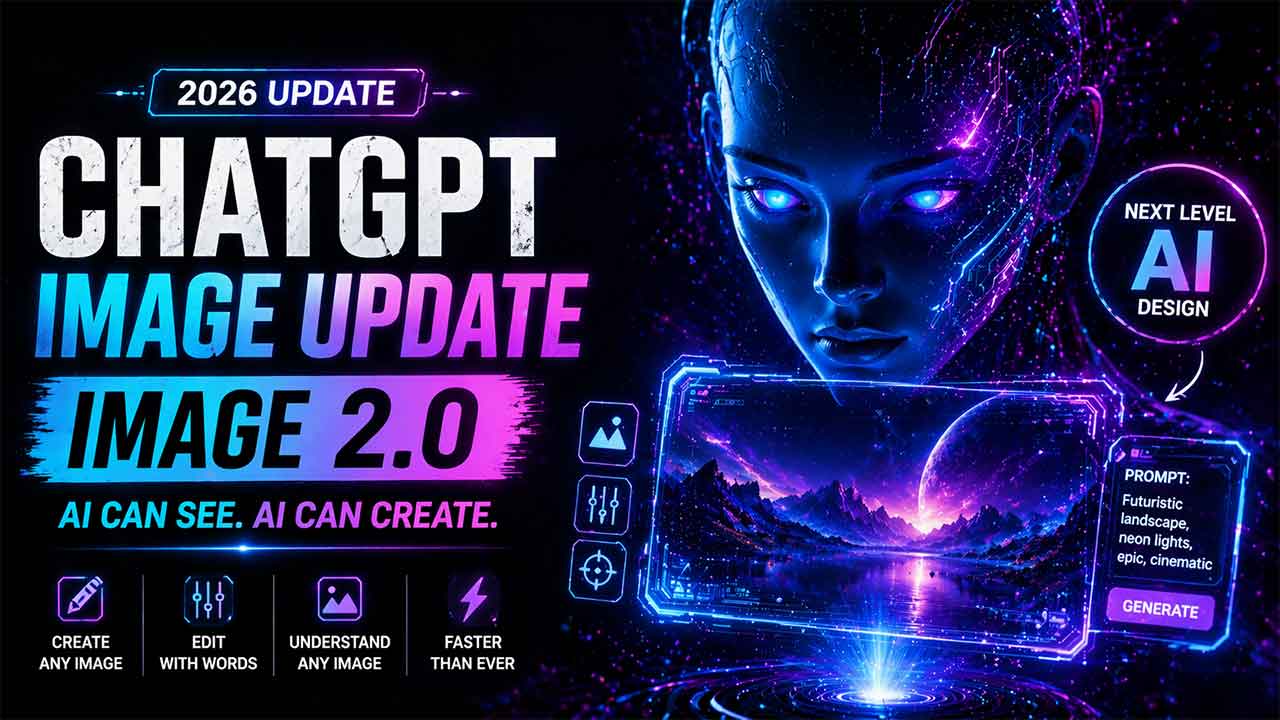
ChatGPT Image Generation Update 2026: AI Can Now Create & Edit Images
AI is growing very fast. And now, it can even understand and create images.
The latest update in ChatGPT is changing how people design, edit, and create visuals. Because of this, many creators are calling it “Image 2.0.”
But what does that really mean?
In this blog, you will learn everything in a simple and easy way. Even if you are a beginner, you will understand it without any problem.
What Is the ChatGPT Image Generation Update?
First of all, let’s understand the basics.
The ChatGPT image update is a new feature that helps AI:
- Create images from text
- Understand uploaded images
- Edit images using simple words
Earlier, AI tools were limited. However, now they are much smarter.
For example, you can type:
👉 “Make the background dark”
👉 “Change color to blue”
And the AI will do it for you.
Why People Call It “Image 2.0”
Now you may wonder, why “Image 2.0”?
It is not an official name. However, people use it because this update feels like a big upgrade.
Before:
- AI only created images
Now:
- AI understands + edits + improves images
So, it feels like a next-level version.
Top Features of the New Update
1. Better Image Generation
Now AI creates more realistic images.
For example:
- Better lighting
- Clear details
- Smooth textures
Because of this, your designs look more professional.
2. Easy Image Editing
This is the most powerful feature.
Earlier, you needed tools like Adobe Photoshop. However, now you can just type what you want.
For example:
- “Remove background”
- “Add neon light effect”
- “Make it cinematic”
As a result, editing becomes super easy.
3. Understands Images
Now AI can see and understand images.
For example, it can:
- Identify objects
- Read text
- Suggest improvements
Because of this, you can improve your designs faster.
4. Consistent Designs
This feature is very useful for creators.
You can:
- Keep the same style
- Create multiple versions
- Build a strong brand look
So, your content looks clean and professional.
How This Helps Beginners
This update is perfect for beginners.
First of all, you don’t need high skills.
Also, you don’t need expensive tools.
Because of this:
- You save time
- You save money
- You learn faster
So, anyone can start designing easily.
Real-Life Uses
Now let’s see how people use it.
- Social media posts
- YouTube thumbnails
- Website designs
- Product mockups
- Ads and marketing
As you can see, it is useful everywhere.
ChatGPT vs Traditional Tools
Let’s compare quickly.
| Feature | ChatGPT | Photoshop |
|---|---|---|
| Easy to use | Very easy | Hard |
| Speed | Fast | Slow |
| Skill needed | Low | High |
So, ChatGPT is great for beginners. However, professionals may still use both tools.
Limitations You Should Know
Even though it is powerful, it is not perfect.
Sometimes:
- Results may not be exact
- Complex edits may fail
- You may need manual tools
So, always check your final output.
Future of AI Images
AI is improving every day.
In the future, it may:
- Create full videos
- Design websites
- Replace basic editing tools
Because of this, learning AI now is a smart move.
Final Thoughts
The new update in ChatGPT is a big step forward.
It is simple, fast, and powerful.
So, whether you are a beginner or a creator, this tool can help you grow.
Start using it today and stay ahead.
FAQ
The ChatGPT image generation update is a new feature that allows users to create, edit, and understand images using simple text prompts. With this update, ChatGPT can generate realistic visuals, modify images, and help creators design faster without advanced skills.
Some features are free, but advanced image tools may require a paid plan depending on usage.
Yes, beginners can easily use it because it works with simple text commands.
ChatGPT is easier and faster, while Photoshop gives more control. Both tools are useful.
“Image 2.0” is an informal term people use to describe advanced AI image features like editing, understanding, and realistic generation.
What do you think about this new ChatGPT image generation update? Have you tried these AI image tools yet? Share your thoughts, ideas, or experience in the comments below—I’d love to hear from you!